Short answer: ReqMe emails you when something needs your attention and emails your client when something needs theirs. Most of it is automatic and does not need configuring. Browser notifications are optional and switched on in Settings.
What ReqMe emails you #
Work arriving — a new request comes in, a client sends a message, a client uploads a file.
The client acting on a document — a proposal accepted, rejected or put on hold; a contract signed or rejected; an invoice paid; a payment that failed; deliverables approved or sent back with changes requested.
These are the ones worth reacting to. Everything else can wait until you next open ReqMe.
Your account — sign-in codes, a sign-in from a new device, password and email changes.
Your plan — warnings as your usage climbs, at 75%, 85%, 90% and when you reach your limit, plus trial reminders and confirmation when your plan changes.
That escalating sequence is deliberate. You should never discover your allowance is gone by noticing the assistant has stopped replying.
What ReqMe emails your client #
Confirmation when they submit a request, notice when you reply or send a file, updates when their request moves forward, and reminders when an invoice goes unpaid.
They also get a one-time code when they need to prove an email address — opening a request or signing a document.
Everything is sent in your name, so your client experiences it as your business communicating rather than a platform they have never heard of.
Invoice reminders #
These are the only notifications with a schedule of their own. When an invoice has a due date, reminders escalate around it automatically. They are on by default and can be switched off per invoice.
Browser notifications #
Optional, and off until you enable them in Settings. Your browser will ask for permission the first time.
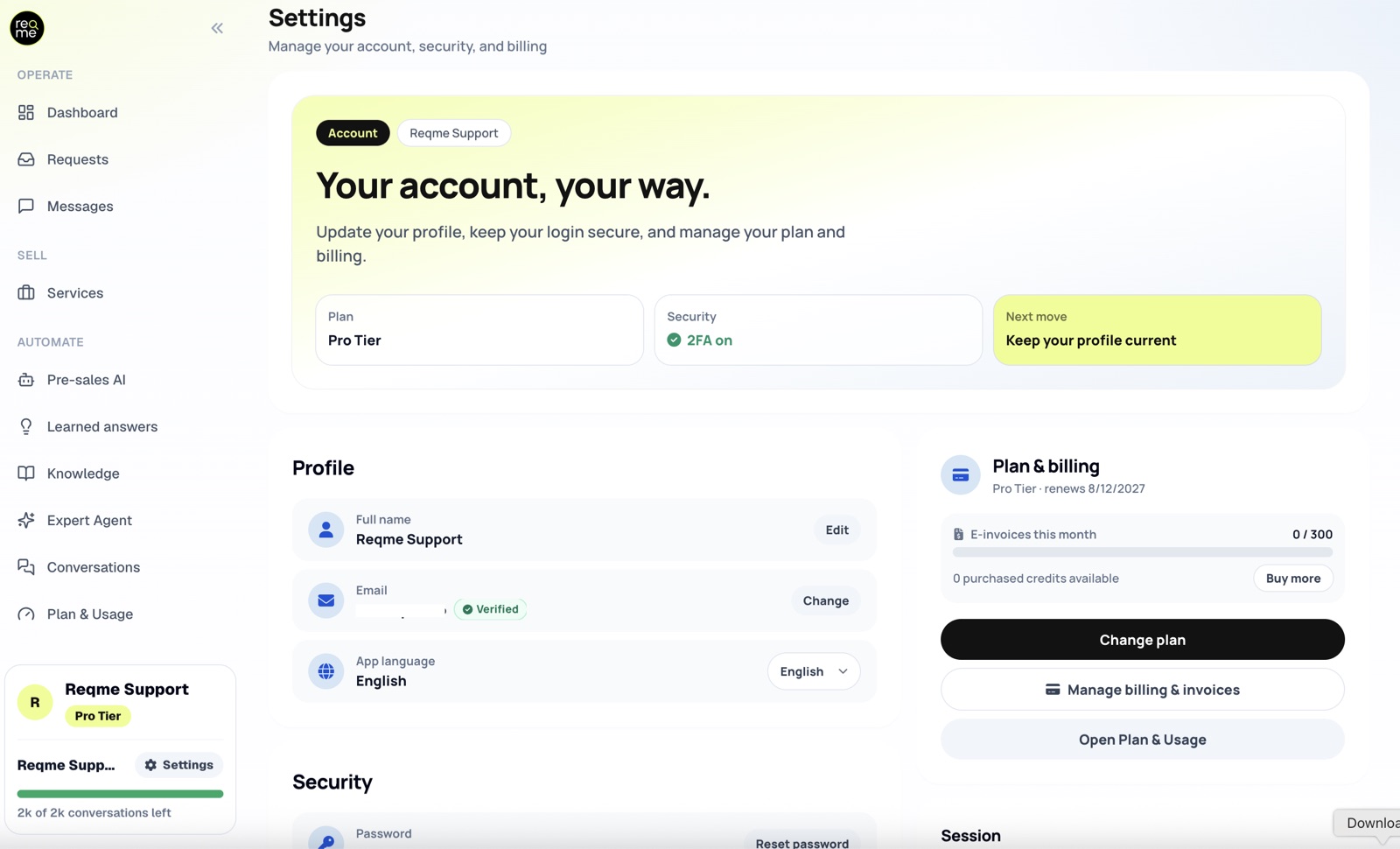
Worth having if you work with ReqMe open and want to know about a new request without watching your inbox. Not worth having if you would rather batch your attention — in which case email alone is calmer.
If notifications are not arriving #
Check spam first, then that the address in your profile is the one you are watching. Client-facing notifications go to the address on their request, which is the one they typed — if that has a typo, nothing arrives and nothing bounces back to you.
The Messages screen always holds the full history regardless of what reached an inbox, so nothing is lost even when an email is.
Frequently asked questions #
Can I turn off individual emails? #
Invoice reminders are switchable per invoice. Deal and account notifications are not individually configurable — they exist because something needs a person.
Do my clients need an account to receive these? #
No. Everything reaches them by email.
Are notifications sent in my client’s language? #
Client-facing emails follow the language of your public-facing setup, and your own follow your account language.
I did not get a warning before hitting my limit. #
Warnings go to your account address at 75%, 85% and 90%. If they did not arrive, check spam and the address in your profile.
Need help? #
If this page did not answer your question, send it to us. Tell us what you were trying to do and what happened instead — that is usually enough for us to spot the problem straight away.
Prefer email? hi@reqme.co


